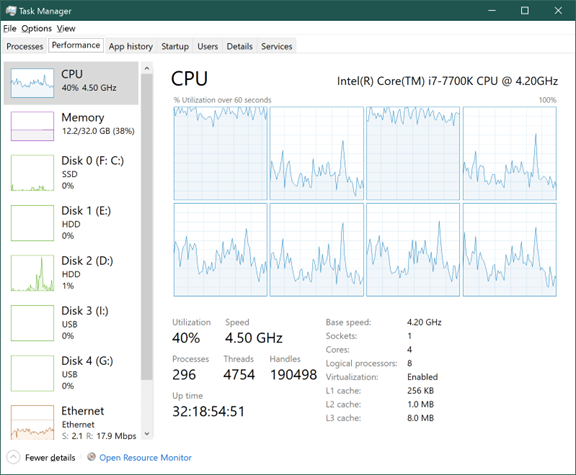
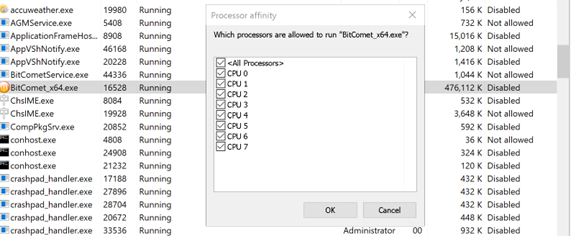
I am using a 4-cure 8-channel processor, somehow the process of BitComet only uses channels 0 and 2. It uses 100% of that core when downloading while the other cure is at ~10%. But most of the other process uses all the cures, so when one of the 4 cores is 100% used it drags everything slow down. I think it could be a setting issue in BitComet but I cannot find where to set it. Setting the processor affinity in eask manager does not do anything.
CPU usage is normally handled by Windows. I wouldn’t worry about it. Your transfer speed is handled by the router and LAN connection
	On 6/26/2022 at 3:10 AM, Rhubarb said:


		CPU usage is normally handled by Windows. I wouldn't worry about it. Your transfer speed is handled by the router and LAN connection


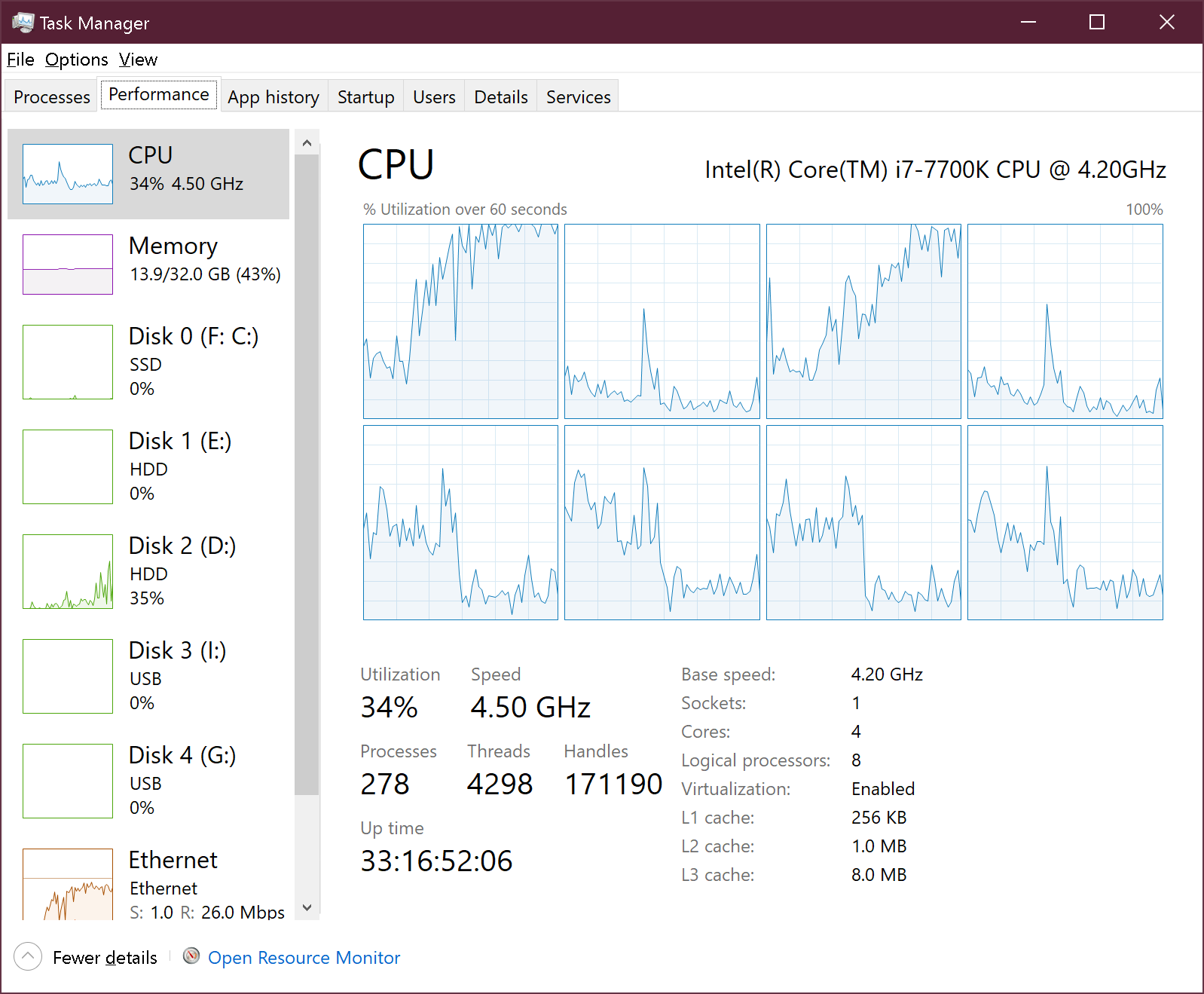
I am not worried about it, I am suffering from the effect. When BitComet uses 100% on one core to process something when my download speed is high, everything else that uses all the cures gets stuck. I cannot change it in windows. If I stop that download, CPU usage will drop down right away. It's like one those old game from single core ages that doesn't know how to use the other core.
As you can see in the picture. When I am not download or my download speed is low I can change which core/processors to use for BitComet. I choosed 4567 so in the first helf those had higher usage. When my download speed gets up over 3 MB/s core 1(processors 0 and 2) start take over all the load and runs at 100% while processors 4567 dropped down to back ground app level.
As I said, CPU usage is a windows function
So long as download works at a respectable speed (depending on your ISP limits) it's nothing you need to concern yourself with