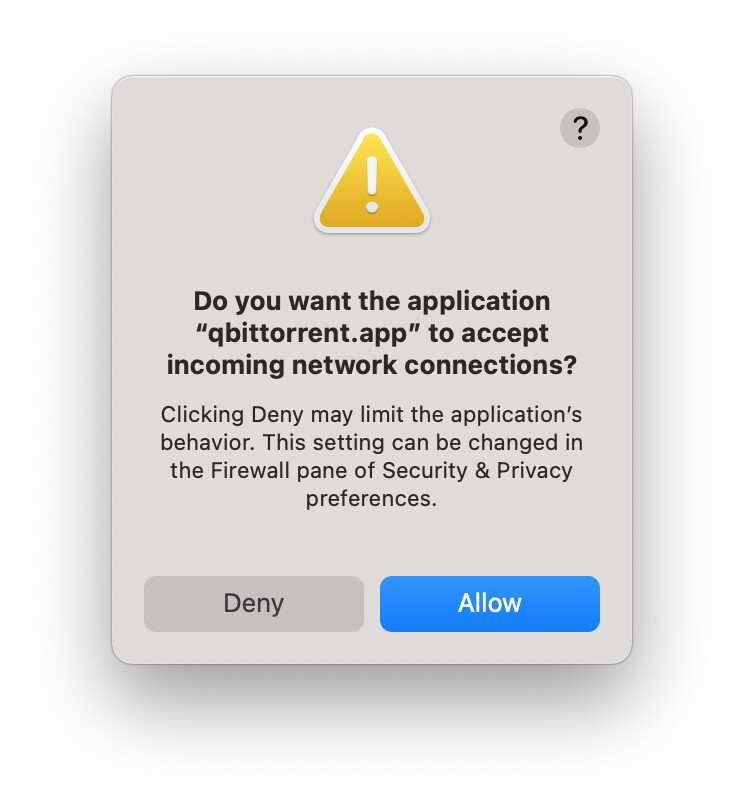
No alert to "accept incoming network connections" on macOS Big Sur

When launching BitComet, there was an alert to “accept incoming network connections” like this.

However, some day I signed in with my CometID and changed some settings, then the alert did not appear any more.


The problem is, "port blocked" for TCP

/monthly_2022_03/796914036_ScreenShot2022-03-10at08_27_13.png.e186b82dee8bfa62cc2f39dfcacd94fe.png" class=“ipsAttachLink ipsAttachLink_image”>

/monthly_2022_03/1957618293_ScreenShot2022-03-10at09_52_45.png.b654bd30ab702d994887ade425910811.png" class=“ipsAttachLink ipsAttachLink_image”>

Screen Shot 2022-03-10 at 08.27.13.png

Screen Shot 2022-03-10 at 09.52.45.png

Screen Shot 2022-03-10 at 09.57.03.png

The screenshot is Firewall Options of Security & Privacy of System Preferences.

qBitTorrent works OK now.

I want to make BitComet work OK too.

Is there any help?

/monthly_2022_03/2034720861_ScreenShot2022-03-10at09_57_03.png.c9c3ca992ae212c683dd4219e29658b8.png" class=“ipsAttachLink ipsAttachLink_image”>

You need to set the router up to pass data on ports to a fixed local IP and for BitComet to match the IP and port numbers