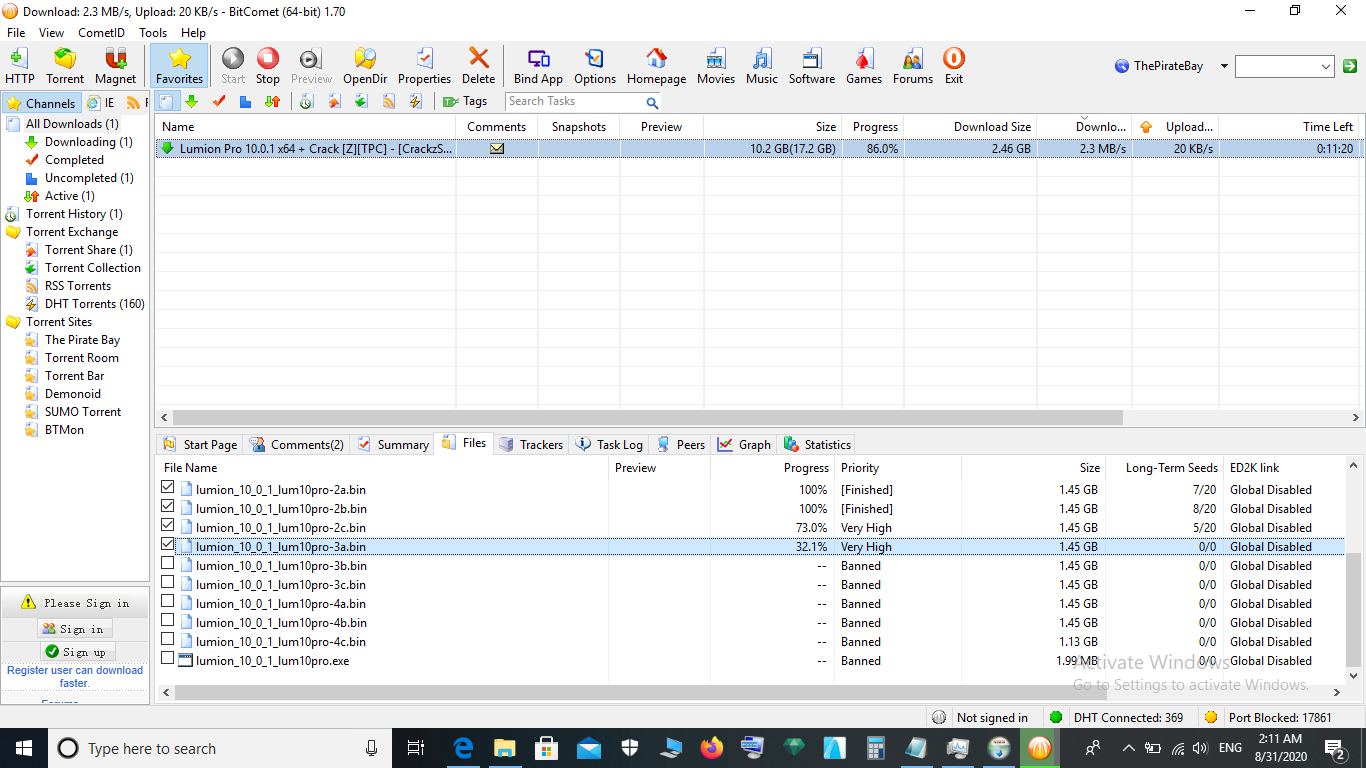
my bitcomet says the port is blocked, and it shows yellow colour. is there any way to unblock the port?

if my i.p is not hidden, how can I hide it?


regards,

A Man From U.N.C.L.E
set your LAN to use a fixed address (like 192.168.0.10) and, in your router, set a block of forwarding ports for both TCP and UDP to that address and make sure it’s open in the firewall
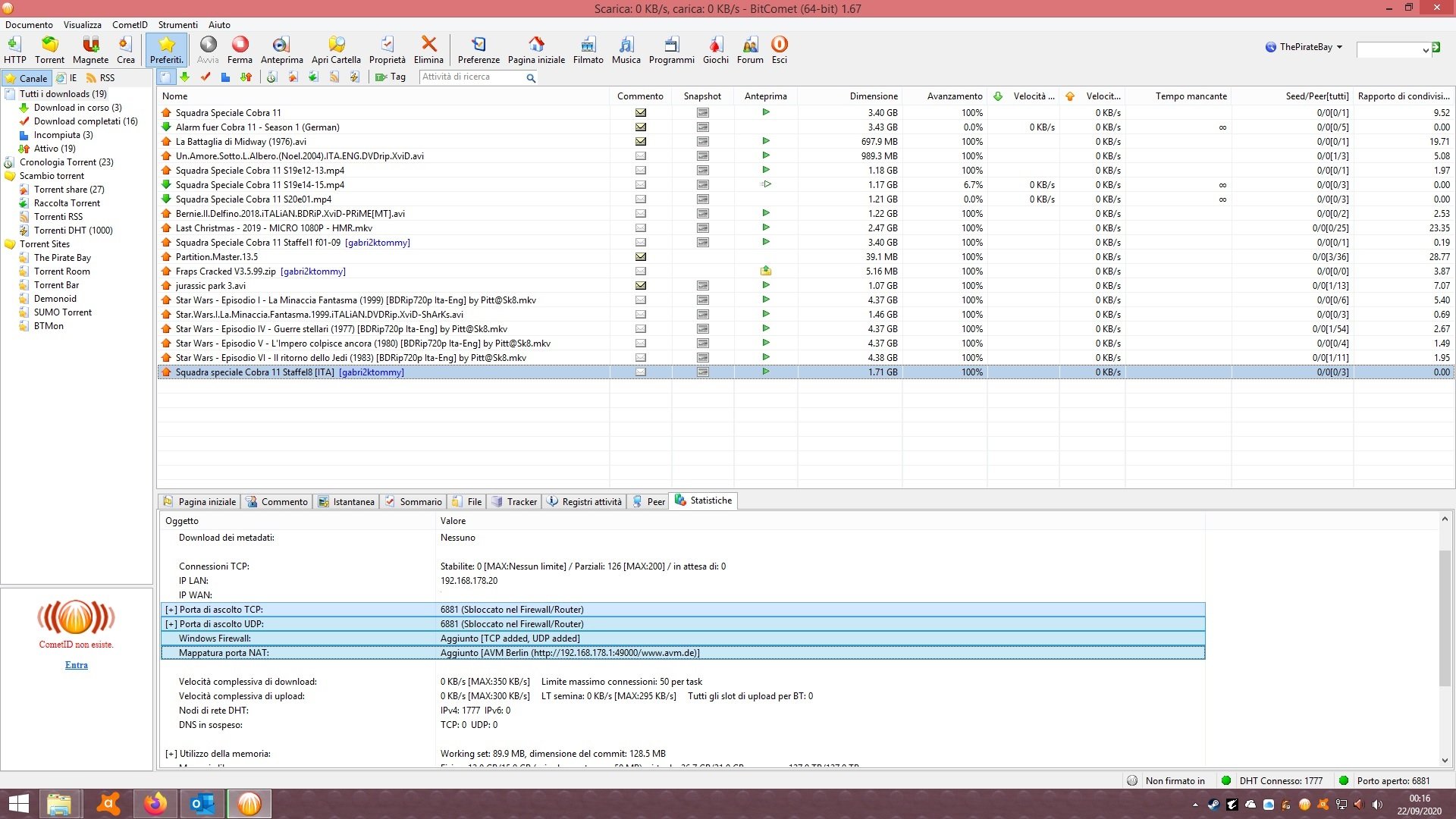
Set the port in Bit Comet to one of the ports in that list

I'm not sure what you mean 'my ip is not hidden' - you might need a VPN to obfuscate your online IP but you will always be able to see it yourself
you must pass port of your modem.
/monthly_2020_10/btcomet.jpg.b1c2aa7a360572bdfd4a8454cb36a99a.jpg" data-fileid="3176" data-fileext="jpg" rel="">
Fixed IP

For example i have telecom smart modem and a FRITZ BOX that I used as a router. iT is not problem . (I treat router as if it is a PC)
1. Disabled dhcp.
2. ip of fritz box

Set the same port in your modem and enjoy :).
.thumb.png.312652db853f404f4af3b9d444e091af.png)